
Here Are Your Bander Bonuses
Map of Harion

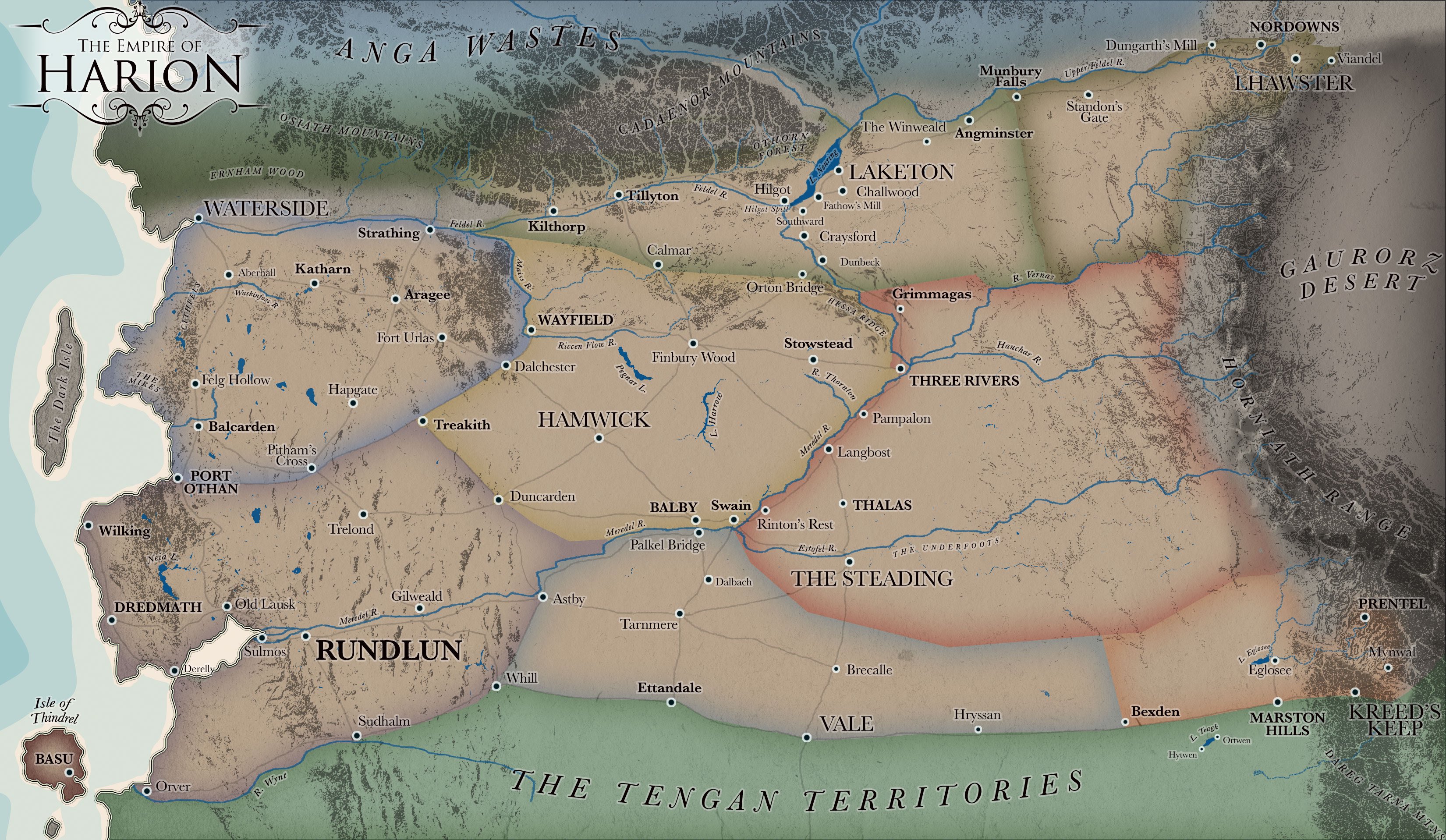
PC Download Instructions:
• Click on “Download the map” above
• If you wish to make it a wallpaper, right-click on the image and choose “Set As Wallpaper”
Mac Download Instructions:
• Click on “Download the map” above
• Control-click and select “Download image to Disk”.
• Save image to desktop.
• If you wish to make it a wallpaper, go to Apple menu > System Preferences > Desktop & Screensavers and use the “+” button in the lower left to add the Harion Map as your desktop image
Reader’s Guides

- Download the READER’S GUIDE companion PDF for The Brawling Adventures of Bander
- Download the READER’S GUIDE companion PDF for The Legendary Adventures of Bander
PC Download Instructions:
• Click on “Download the Reader’s Guide” link above
Mac Download Instructions:
• Mouse on “Download the Reader’s Guide” link above
• Control-click and select “Download Linked File As…”.
• Save PDF file to desktop.
The River’s Bane
